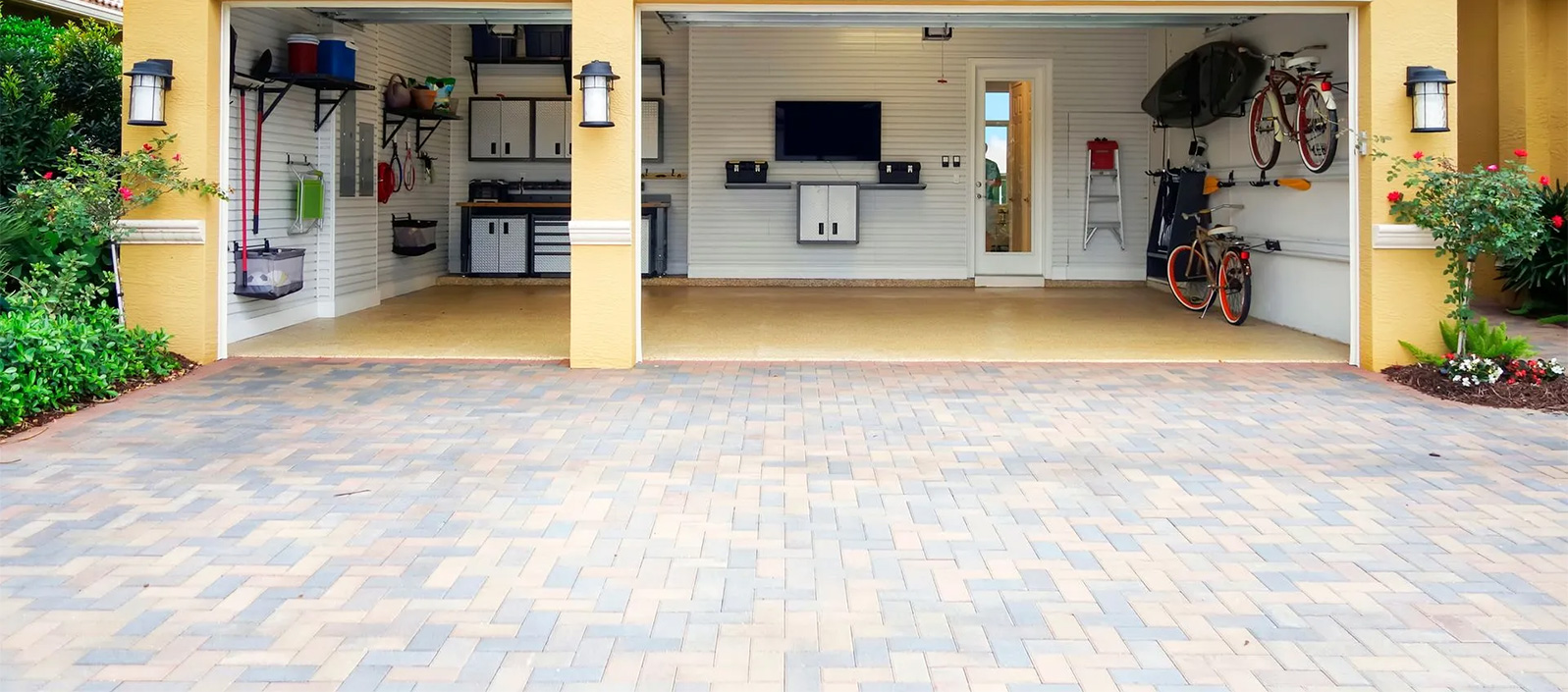
Easily list your space and start earning. Follow the step-by-step onboarding to become a verified host.
STEP 1
Turn your unused space into monthly income.
Earn extra income
Help your community
Safe & secure storage platform
No long-term commitment
STEP 2
Required:
Full name
Password
Verification:
Email confirmation link
Google/Apple login option
Goal:
Remove friction & make account creation fast.
STEP 3
Government ID upload
Selfie/liveness check
Verification protects both hosts and renters. Your information is securely processed and never shared.
STEP 4
Address
Postcode
Map pin drop
Verification Measures:
Auto-fill from Google Places
ZIP/Postcode match check
Geo-confirm through metadata (later)
STEP 5
Garage
Spare Room
Loft/Attic
Driveway/Parking Space
Shed/Outbuilding
Commercial Space
Other
STEP 6
Space size & measurements
Indoor / Outdoor
Temperature stability
Cleanliness
Suitable For:
Boxes, furniture, business inventory
Vehicles, tools, others
Restrictions:
No chemicals, perishables, flammables, weapons
STEP 7
Access Type:
24/7 access
Host-assisted access
Appointment only
Entry Method:
Key
Keypad
Smart lock
Security:
CCTV, alarm, lighting, gated property
Loading Access:
Driveway, ramp, parking spot available
STEP 8
Required Photos:
Entrance
Inside space
Security features
Lighting
Street-level view
Optional:
20–30 second walkthrough video
System Checks:
AI image validation
Metadata location check
STEP 9
Monthly rate (auto-suggested)
Discounts:
3-month, 6-month, 12-month
Optional security deposit
Income Estimator:
Auto-updates potential earnings
STEP 10
Available from (date)
Min/max rental duration
Access times
Host rules
Items NOT allowed (system-enforced)
STEP 11
Prohibited item agreement
Liability acknowledgement
Safety condition acceptance
Insurance policy explanation
STEP 12
Photos
Space description
Access & security details
Pricing
Map location (blurred)
Checklist:
ID verified
Address confirmed
Photos uploaded
Pricing complete
STEP 13
Your space is now live!
Tips to improve visibility:
Add more photos
Offer long-term discount
Enable instant booking
Share your listing
Dashboard overview
Admin Validations
ID match with name
Address verification vs. map location
Photo authenticity (AI screening)
Fraud detection triggers
Pricing vs. local market average
Duplicate listing detection
Premium Trust Add-Ons
Smart lock installation
Professional photography
In-person verification partner
Verified Host badge
Priority ranking booster
Store In My Space connects people with unused space to those who need affordable storage. Our goal is to create a trusted, flexible and community-driven storage solution for everyone.
Copyright © 2026 Store In My Space – Member of SKILLY NETWORK LIMITED
